LINE Is Deleting Accounts by Year-End: Heads Up If You Only Linked Facebook Without a Phone Number!
The notices claiming "LINE will delete accounts without a linked phone number by year-end" are real, but they only target one specific group: accounts linked solely to Facebook with no registered phone number. Here is how to check if you're affected, how to set up your phone number, email, password, and Apple/Google link all in one go, the major pitfall where linking a number deactivates another account, and the only path left if you're already locked out.

Over the past few days, people in my group chats have been circulating a message claiming "LINE will delete accounts without a linked phone number by year-end." A few friends even asked me if it was a scam, so I went ahead and tracked down the official announcement. It's posted right on the official LINE Taiwan blog. The accounts being singled out are specifically those that "are only linked to Facebook and have no phone number set." Users must add a phone number before December 31 at 23:59 (Taiwan Time) this year, or the system will permanently delete the account—taking all stickers, LINE Coins, purchased items, and chat history with it, none of which can be recovered. The main reason people suspected a scam is that the blog's URL looks completely unofficial. I thought so too at first, until I realized that LINE Taiwan's official blog portal, official-blog.line.me/tw, actually redirects right there. All you need to do is bind a phone number, and it takes about two minutes.
Who Actually Needs to Worry
LINE ended support for Facebook logins back in January 2024. If you have linked an email address or connected your Apple or Google account, and you simply haven't registered a phone number, you technically aren't in this round of deletions based on the literal wording of the announcement. However, in a statement to UDN (United Daily News), LINE Taiwan took it a step further: a phone number is a basic prerequisite for using a LINE account, and current policy requires an active phone number to keep the account running. So while your account won't disappear overnight, you'll have to add one sooner or later. As for anyone who already linked their mobile number long ago—which is most people—this news doesn't affect you at all.
If you want to check which category you fall into, don't bother trying to recall how you signed up years ago. Since 2024, the settings page doesn't even show Facebook link status anyway. Just look at the phone number field: if it's blank, fill it in.
How to Complete Your Setup
Open LINE, tap the gear icon (Settings) in the top-right corner of the Home tab, and select "Account." You can tell at a glance whether Phone Number, Email, or Password is blank. To get off the deletion list, the only critical item is your phone number—add it, and you're good. That said, the official post actually asks for all four items: you should also set up an email and a password, and link at least one Apple or Google account. You'll find all of them by scrolling down that same page, and getting it all done at once saves you future hassle.
Once you enter your number, you'll receive a verification code via SMS. If it doesn't arrive, don't keep mashing the resend button. Too many failed attempts will trigger a system lockout, and based on reports online, it usually takes a day or two to clear. A faster alternative is to tap "Verify by phone call" on the verification screen; LINE will call you directly and read out the six-digit code.
There is one critical landmine to verify first: could this phone number already be linked to another LINE account? The announcement states explicitly that every account must be bound to a number "not in use by any other account." If you register a number that's already tied to an existing account, that original account will be deactivated. The same goes for duplicate Email, Apple, or Google links. If your household has rotated phone numbers across LINE accounts over the years, or if you run two personal accounts, make sure you know which one you want to keep before you touch anything. LINE only used the word "deactivated"—they didn't say whether a warning prompt will appear to let you back out, nor whether a deactivated account can ever be recovered. I couldn't find answers to either question anywhere, so take this step very carefully.
What If You're Already Locked Out?
The real nightmare is for people who relied solely on Facebook login, never configured a phone number or email, and have already been logged out or reinstalled the LINE app. The announcement doesn't provide a solution for this, and there is no automated self-service recovery flow on help.line.me. Your only remaining move is to visit help.line.me in a browser, find "Contact Us," and submit your account details along with supporting screenshots for manual verification by customer support. LINE doesn't mention how long the review takes, nor do they guarantee you'll get the account back. So as long as you can still open the app right now, don't put this off until December. The announcement also doesn't specify whether deletions will be rolled out in batches or executed all at once the moment the clock strikes.
The Scams Will Inevitably Follow
Whenever a notice like this gets shared virally across chat groups, a flood of phishing scams mimicking it is sure to follow. Real official alerts will come directly from the "Service Messages" account inside the LINE app (the one with the green verification shield badge). Tapping into it looks just like chatting with a friend, and it will never ask you to click an external link to verify or unlock your account. Any updates you need to make can be done directly in Settings > "Account"—you never need to click a link in any message. If you get a text message or email telling you to click a link and enter your phone number, password, or verification code, do not click it no matter how convincing the sender name looks. Giving away your verification code is essentially handing over your account.
If you've already entered your information on a suspicious page, follow LINE's official damage control steps: go to "Account" and change your password, turn on "Two-Factor Authentication for Web Login" on that same page, then return to the main Settings menu, tap "Account," and under "Authorized Apps," disconnect any services you don't recognize.
Honestly, when I first saw this notice, I thought it was a scam too, and I almost told my friends to ignore it. After digging into it, here's my verdict: while the year-end deadline only affects a very small group of users, keeping your phone number, email, password, and Apple or Google links up to date isn't really about this news anyway. If something ever goes wrong with your account, having all your credentials in place gives you a much better chance of recovering it. I took this opportunity to audit my own account settings from top to bottom, and you should probably do the same.
Sponsored
Related

Apple's Sept 10 Event Is Official: With a Rumored NT$60,000 Foldable iPhone Ultra, Should You Wait or Buy Current Stock Now?
Apple officially confirms its Sept 10 event at 1:00 AM. The first foldable iPhone is rumored to start around NT$63,000 for 256GB—roughly 1.6 times the current iPhone 17 Pro. Here is our breakdown of how to watch the livestream, whether the first-gen foldable is worth the gamble, and how to pick from in-stock models if you're on a budget.
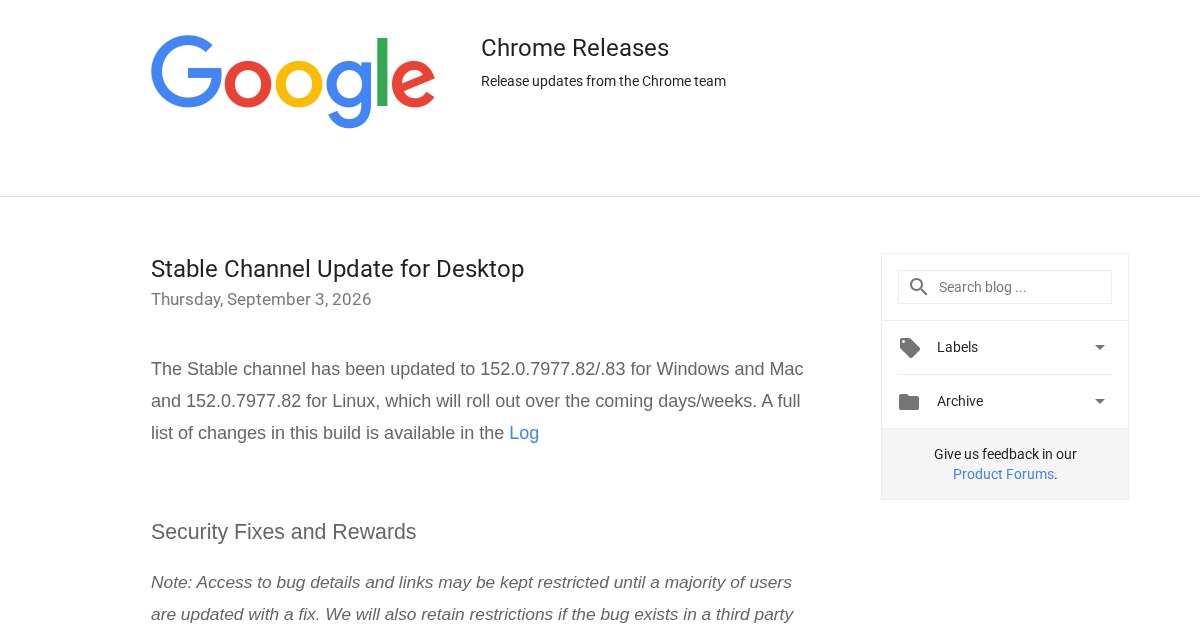
Major Chrome Zero-Day Under Active Exploit: Edge and Brave Users Need to Update Too
Google confirmed that CVE-2026-85046 in Chrome's V8 engine was actively exploited in the wild before a patch was released. Rated at CVSS 8.8, this marks the sixth exploited Chrome zero-day this year. Because the flaw resides in the Chromium engine itself, browsers sharing the same foundation—like Edge and Brave—are all affected, and the Android version requires a separate update. Here is a walkthrough of how to check and update each browser.

Gemini 3.8 Flash Drops: Official Benchmarks Tie or Beat Opus 5 on Most Tasks, but Two Big Gaps Are Impossible to Hide
Google launched Gemini 3.8 Flash on September 2, just three weeks after 3.7 Flash, priced at only one-sixth to one-seventh of Claude Opus 5. I broke down Google's official benchmark table into plain English: it ties or beats Opus 5 across most tasks, but the gap in Terminal-bench 4.0 and computer-use tests isn't nearly as small as the marketing pitch suggests.